Updates and Recovery
Firmware Release Update
Firmware release updates provide newer device firmware packages. The tool checks automatically on startup, and you can check manually:
- Connect the device.
- Check the firmware release update message in
Application management. - Click
Check updateorRe-download. - After downloading, select the firmware changes and click
Apply changes.
Device Manager Update
The device manager can update itself:
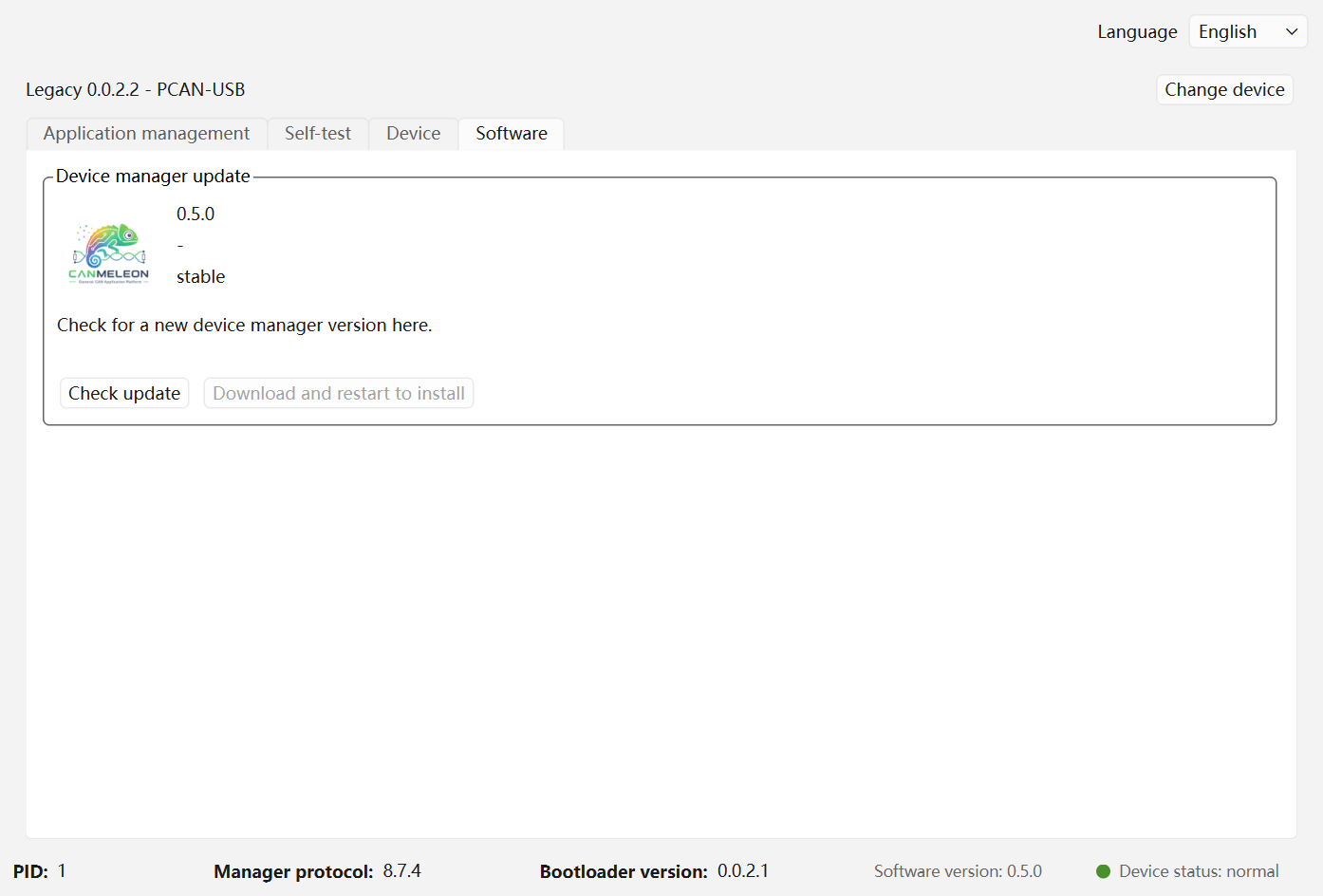
- Open the
Softwarepage. - In
Device manager update, clickCheck update. - If a newer version is available, click
Download and restart to install. - The tool closes, starts the updater, replaces the files, and restarts.
Device Recovery
When a device is already in update-drive mode, the device list shows Recovery mode. You can:
- Unplug and reconnect the device first to see whether it returns to normal operation.
- If Kunhong technical support provides a recovery firmware package, click
Open recovery, choose the update drive and the recovery package, then clickWrite recovery package.
After writing the recovery package, wait for the device to restart, return to the device list, and scan again.